Digimap
- Due to the Digimap files having the scale in meters, we are always going to
scalethe drawings by 1000 to achieve the scale in mm that we will use in our drawings.
I realized that the standard unit-settings are often set to INCHES. So I use -dwgunits to set the units to MILIMETERS to prevent any issues with the layout/drawing later on.
Section
For the section I XREF the downloaded and scaled file from digimap.
By using the file as an XREF I can:
- make sure that the original file is not damaged in any way
- work directly with my own layers without having to deal with the huge amount of layers from the digimap file
- clip the xref on a certain cutout if I only need one part of the plan to be visible
Layers
To be able to work with different lineweights I use the Layer setting I used to work with in practice.
The lineweight is always written in the layer-name and is also differenced by the colors of the layers.
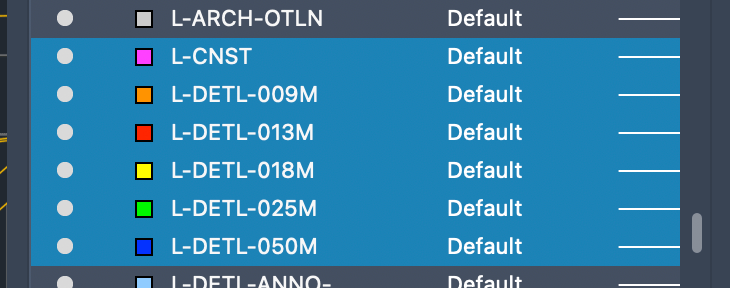
We spent most of the day learning about the important steps of drawing a Section.
Besides the Section I decided to spend some time to start my own block-library. I already have a lot of files from practice, filled with different blocks of trees, people, vehicles, furniture and many more.
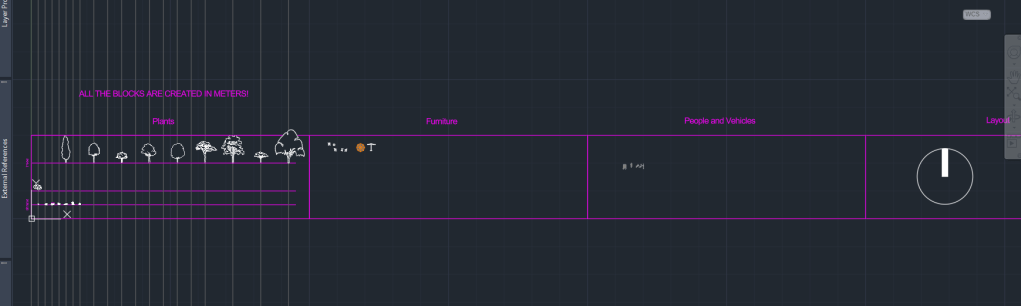
A big Problem with blocks, especially if they are downloaded from the Internet is the file size. Depending on the way they are created, blocks can exist out of hundereds, if not thousands of lines/vertexes, arcs or even ❗️splines❗️.
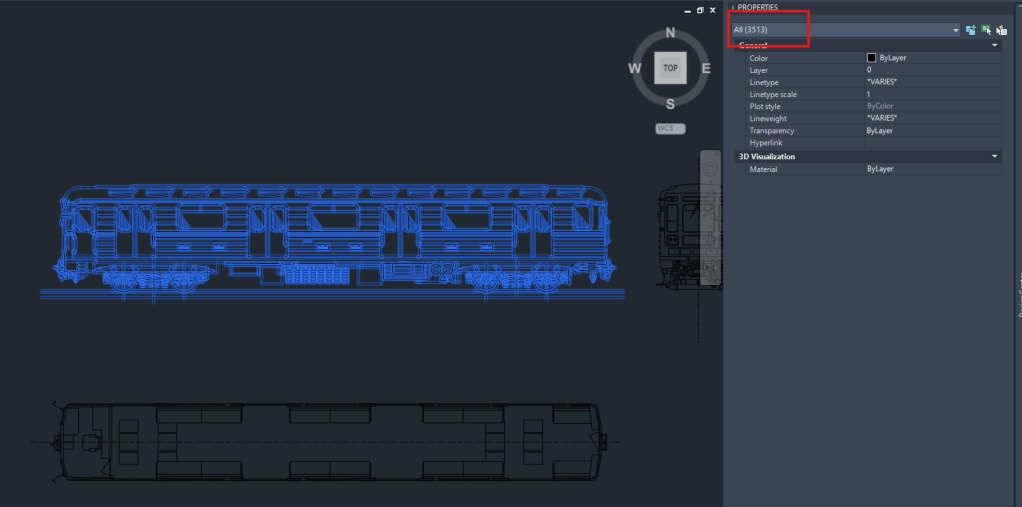
Example of a block, I downloaded from the web today, containing over 3000 Objects!
So I think it’s very important to clean up the blocks and minimize the amount of data that it contains. !Cleaning up a block can be a very time consuming action!
Due to some rather exhausting experiences with large file sizes (especially sections) and crashing computers, I became very picky when it comes to choosing blocks for my drawings. That’s why I only added few trees and other blocks to my library yet that are simple and cleaned up in a lot of hours of moving or deleting lines
Section of todays class.
As usually you could add lots of additional detail and information to the section.
From my experience I can say: more detail creates more visual attraction, BUT as soon as the Information is too detailed for to be visible in the final, scaled layout, it’s too much!
 Noah's Landscape Journal
Leave a comment