This first lesson, lead by Kris, was all about a steady introduction to the basics of Autocad.
Due to my previous work with Autocad as a draughtsman in a Landscape Architecture office, I already have a good understanding of the whole planning process in Autocad
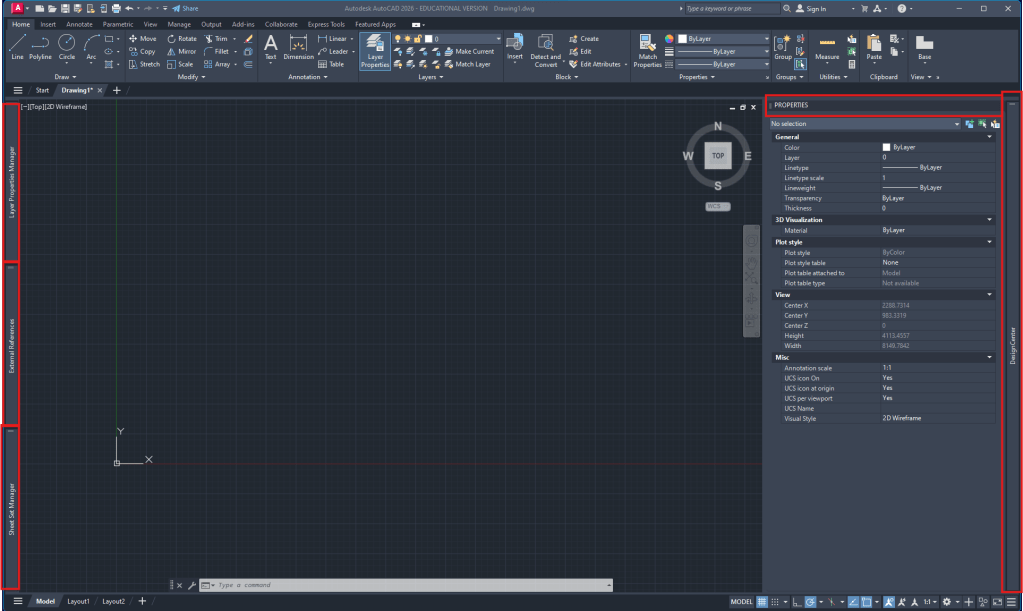
Autocad workspace setup:
- Layer manager (attached to the left)
- External references (attached to the left)
- optionally SheetSet manager (attached to the left)
- Properties (right side)
- AdCenter (attached to right side)
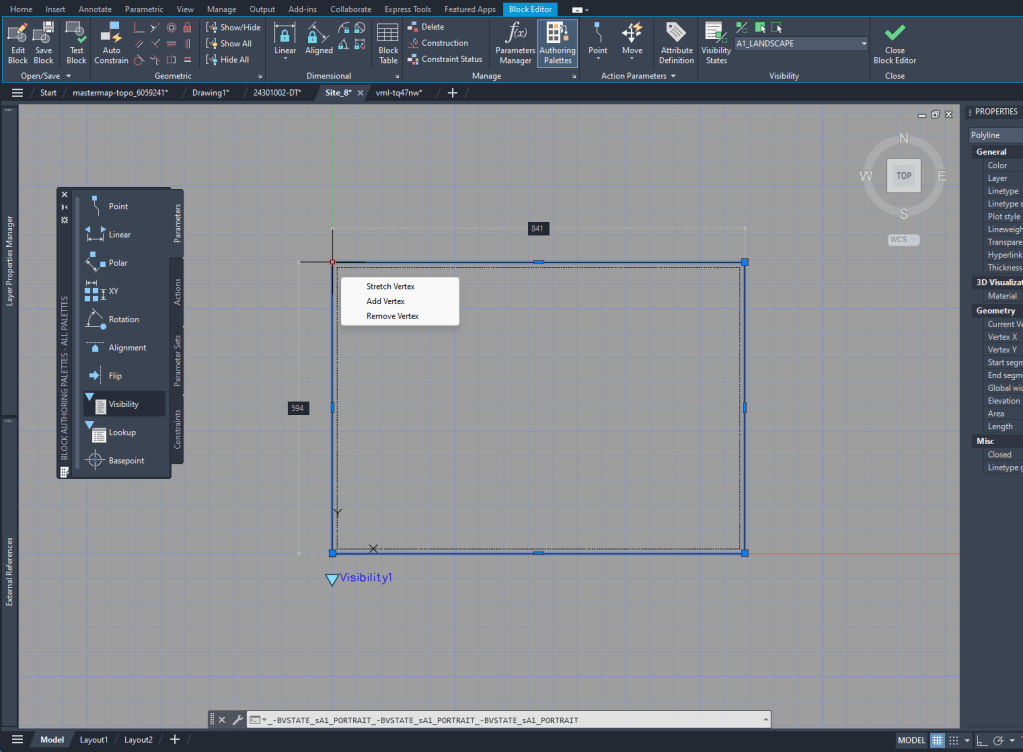
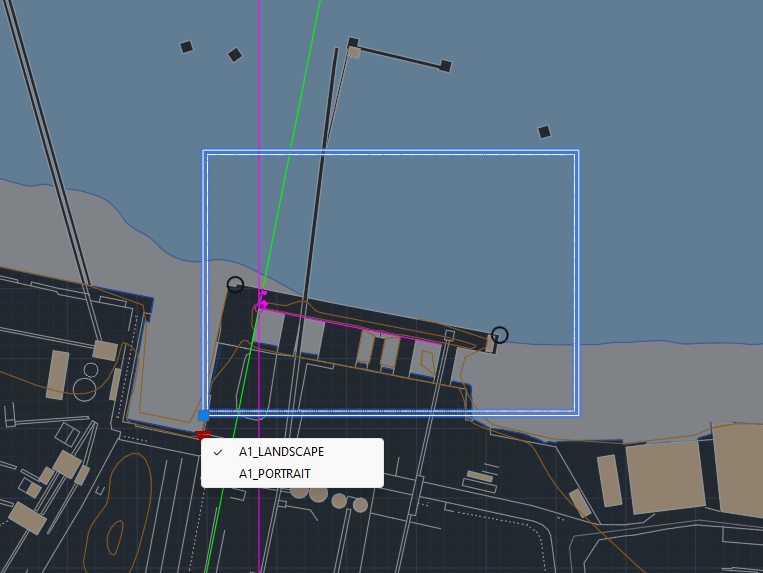
To create the layout it’s helpful to see the outline in the Model Space. To do that I created a block of the size of the A1 layout and added Block creation
Week 2
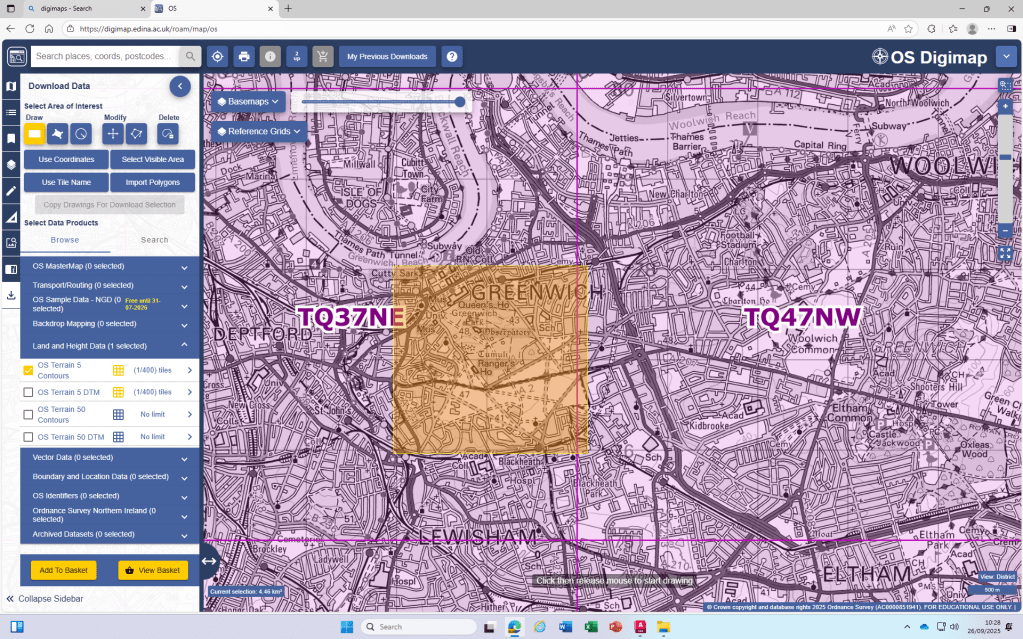
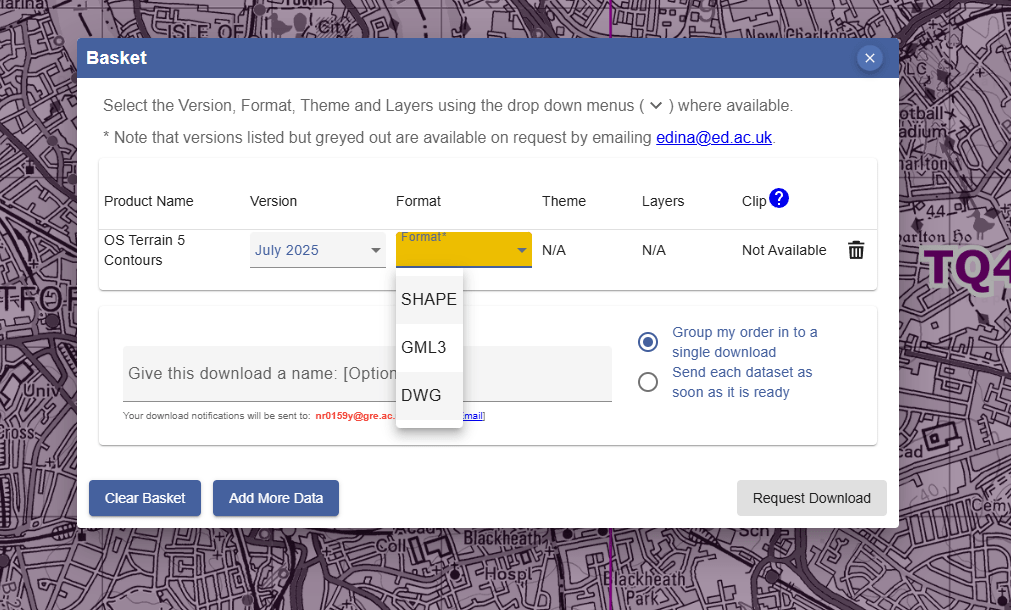
Digimap
- Due to the Digimap files having the scale in meters, we are always going to
scalethe drawings by 1000 to achieve the scale in mm that we will use in our drawings.
I realized that the standard unit-settings are often set to INCHES. So I use -dwgunits to set the units to MILIMETERS to prevent any issues with the layout/drawing later on.
Section
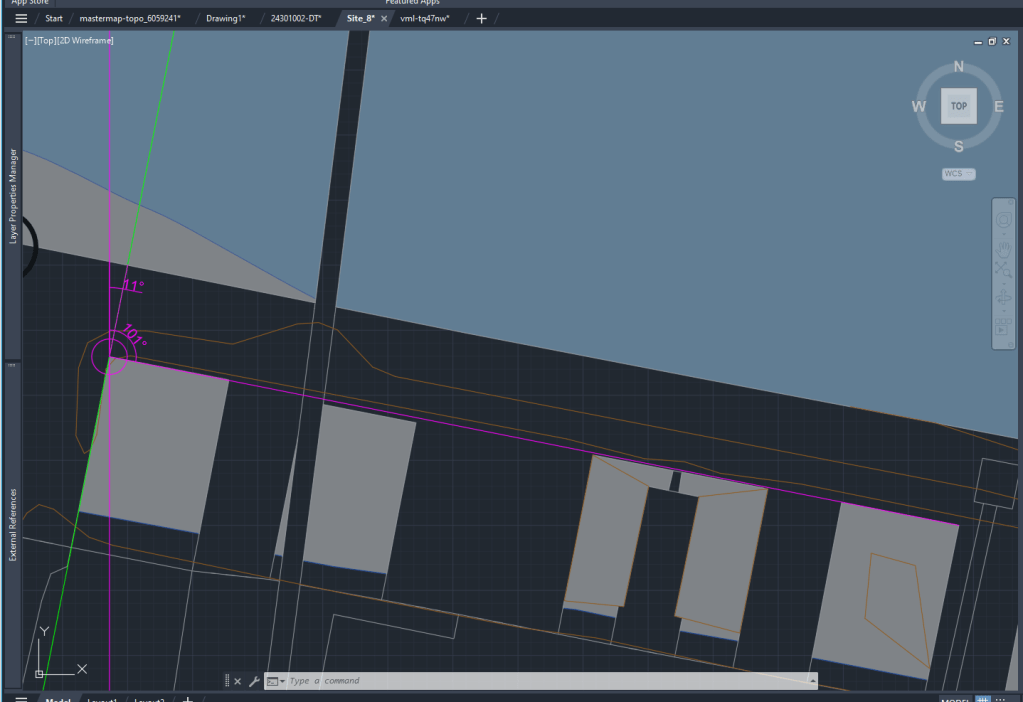
For the section I XREF the downloaded and scaled file from digimap.
By using the file as an XREF I can:
- make sure that the original file is not damaged in any way
- work directly with my own layers without having to deal with the huge amount of layers from the digimap file
- clip the xref on a certain cutout if I only need one part of the plan to be visible
Layers
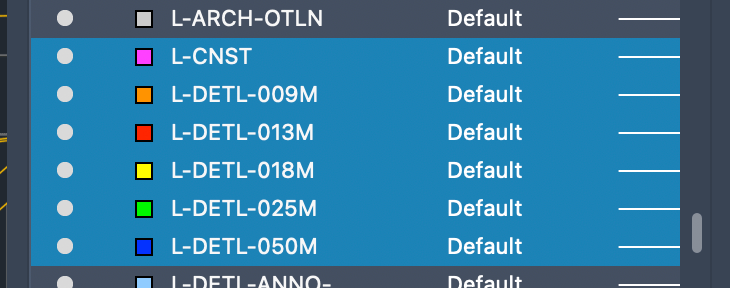
To be able to work with different lineweights I use the Layer setting I used to work with in practice.
The lineweight is always written in the layer-name and is also differenced by the colors of the layers.
 Noah's Landscape Journal
Leave a comment